Restore. Animate. Create again.
Old photographs.
New family videos.
An old photograph is the beginning. A video brings a new dimension to the memory.
Restore worn black-and-white or sepia photographs into detailed, high-resolution AI Portraits. Animate a face. Then reuse the portraits you approve to create new family gatherings and videos.
Real screens from the Soupliotis family web app, shared with permission. Select any screenshot below to look closer.
01 / Explore the living tree
Follow the tree.
Watch the faces.
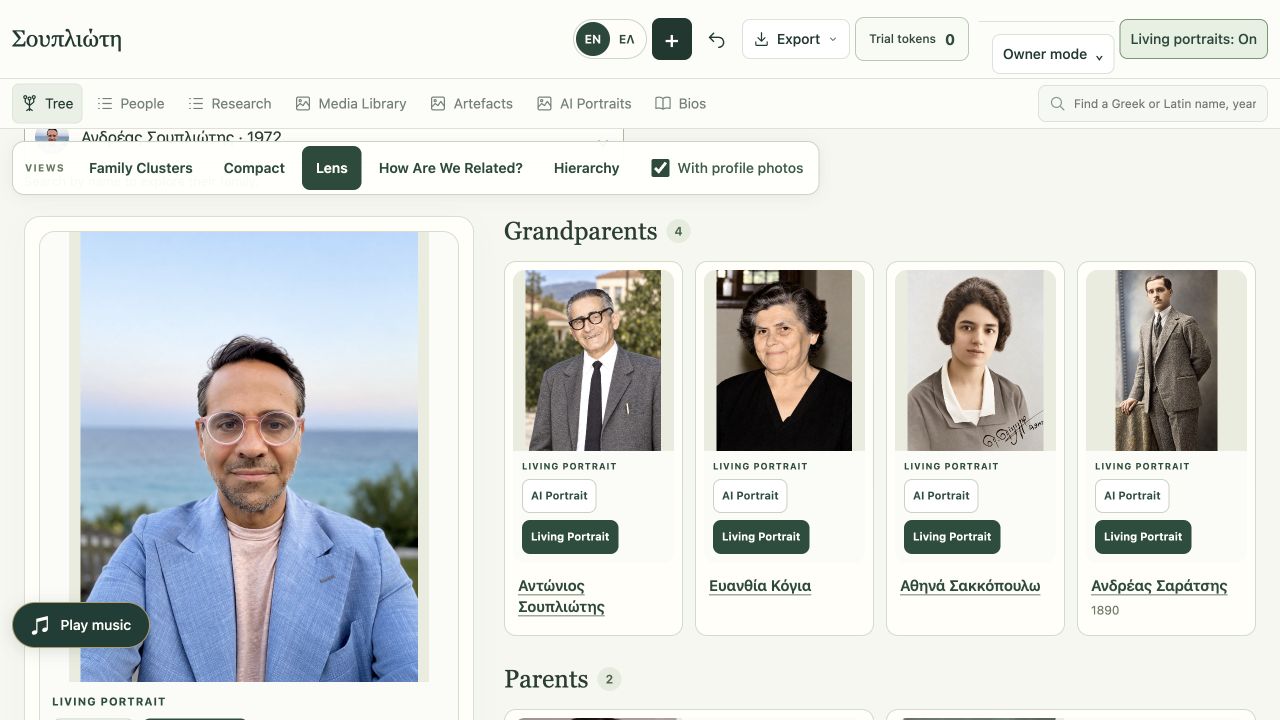
The tree is where the videos belong. Explore five views of the same family, follow a relationship and watch a Living Portrait smile. Every moving face stays connected to a person, a generation and a story.
Family Clusters
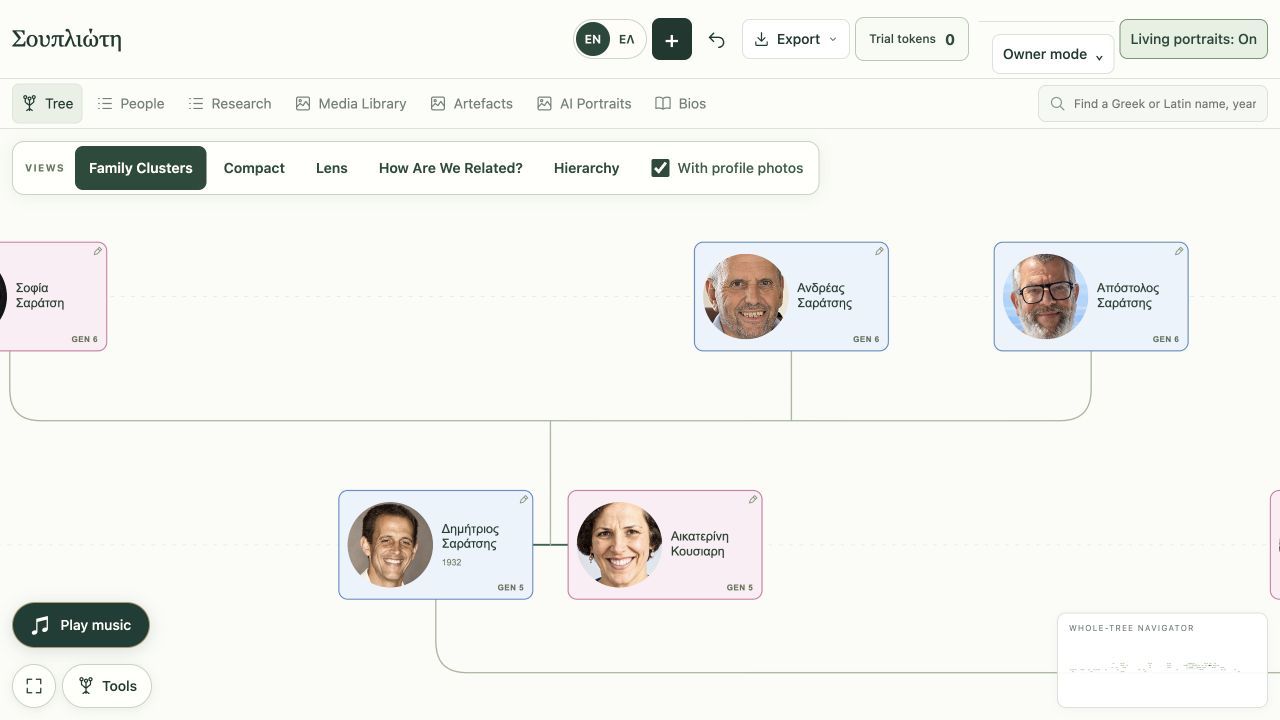
A family tree with video in its branches.
A restored face becomes a Living Portrait video on its tree card. Family clusters, relationship lines and generation labels keep those moving portraits connected as you explore.
Compact view
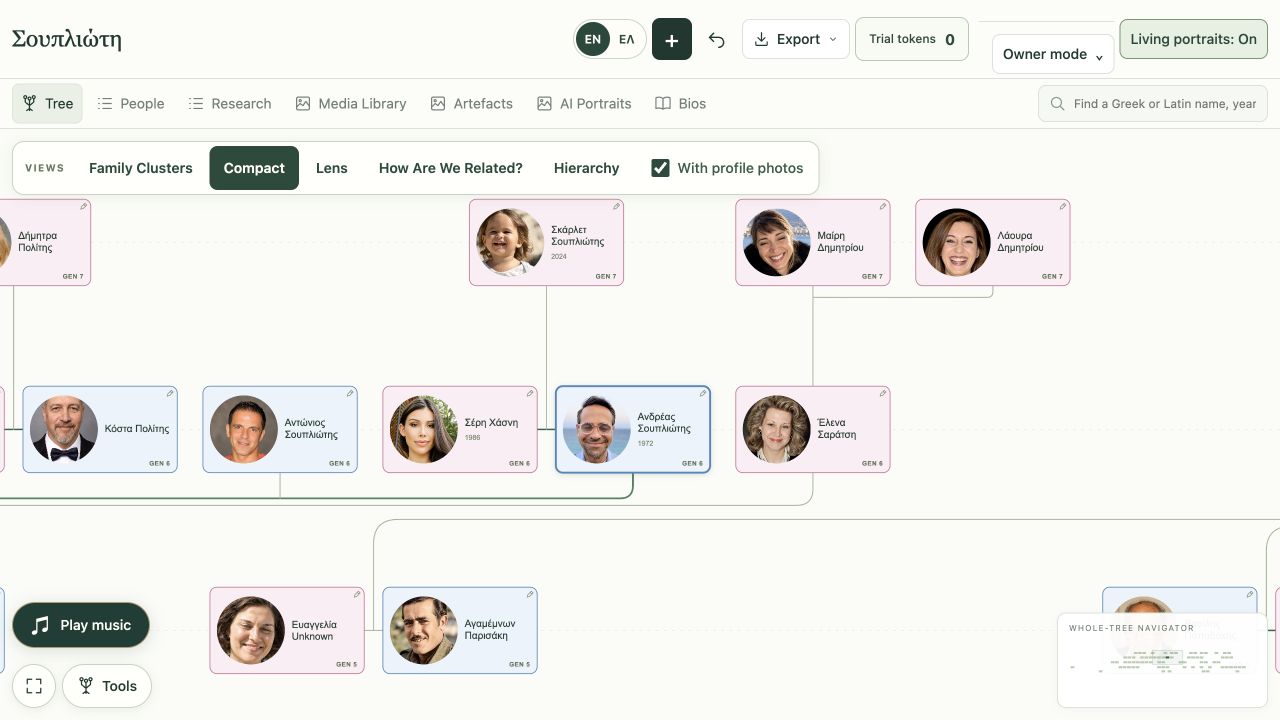
Find your place in the bigger picture.
Pan across generations, zoom in to read the names, or fit the whole tree on screen. The navigator keeps your place as you explore.
Lens
One person. Their whole family around them.
Focus on a person and see their grandparents, parents, partners, children and siblings around them. Enjoy their Living Portraits, then follow another face into another part of the family.
How Are We Related?
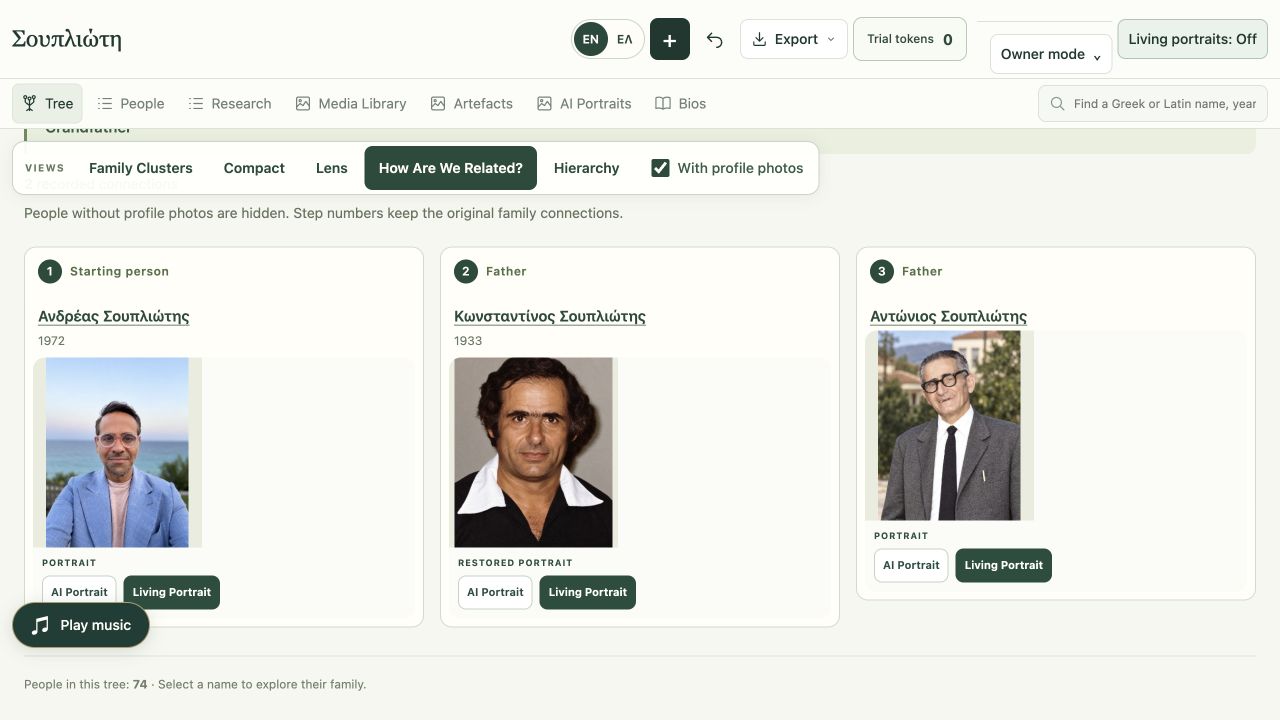
See the people who connect you.
Choose two family members and trace the recorded relationship, one person at a time. Portraits make the path easier to follow.
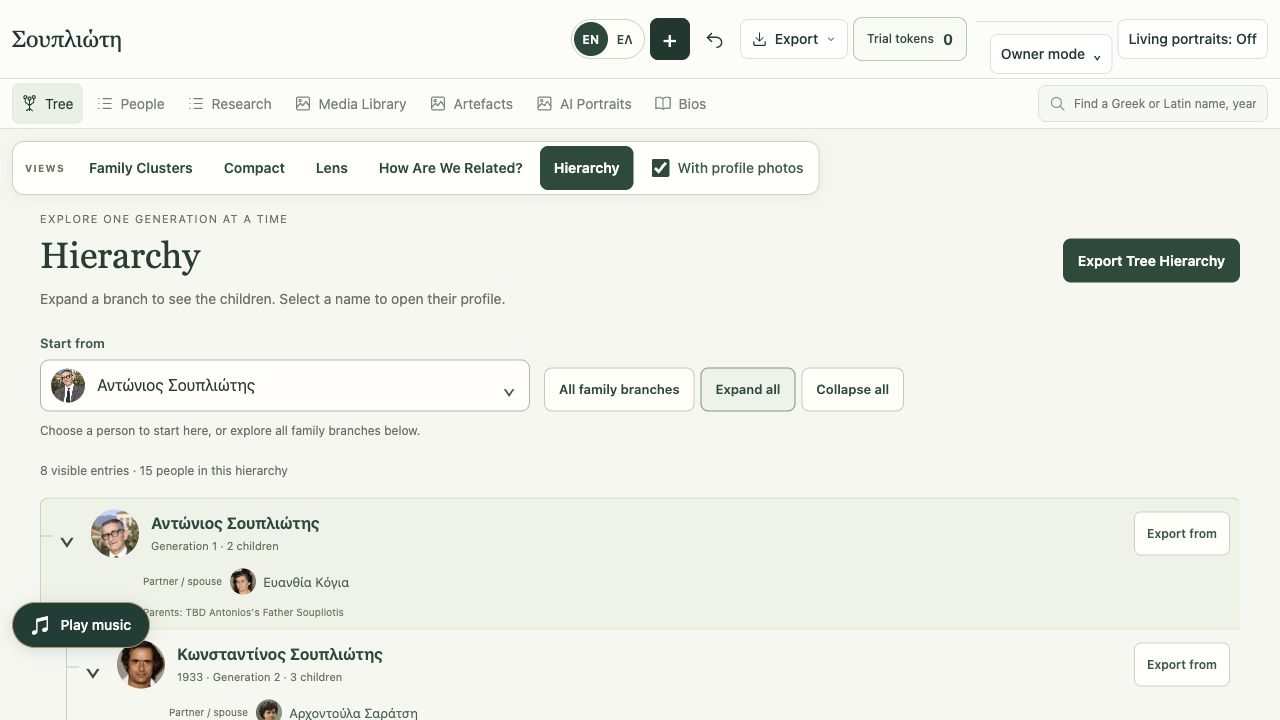
Hierarchy
Unfold a branch, generation by generation.
Choose a starting person, expand descendant branches and open profiles along the way. Print or export the branch you want to keep.
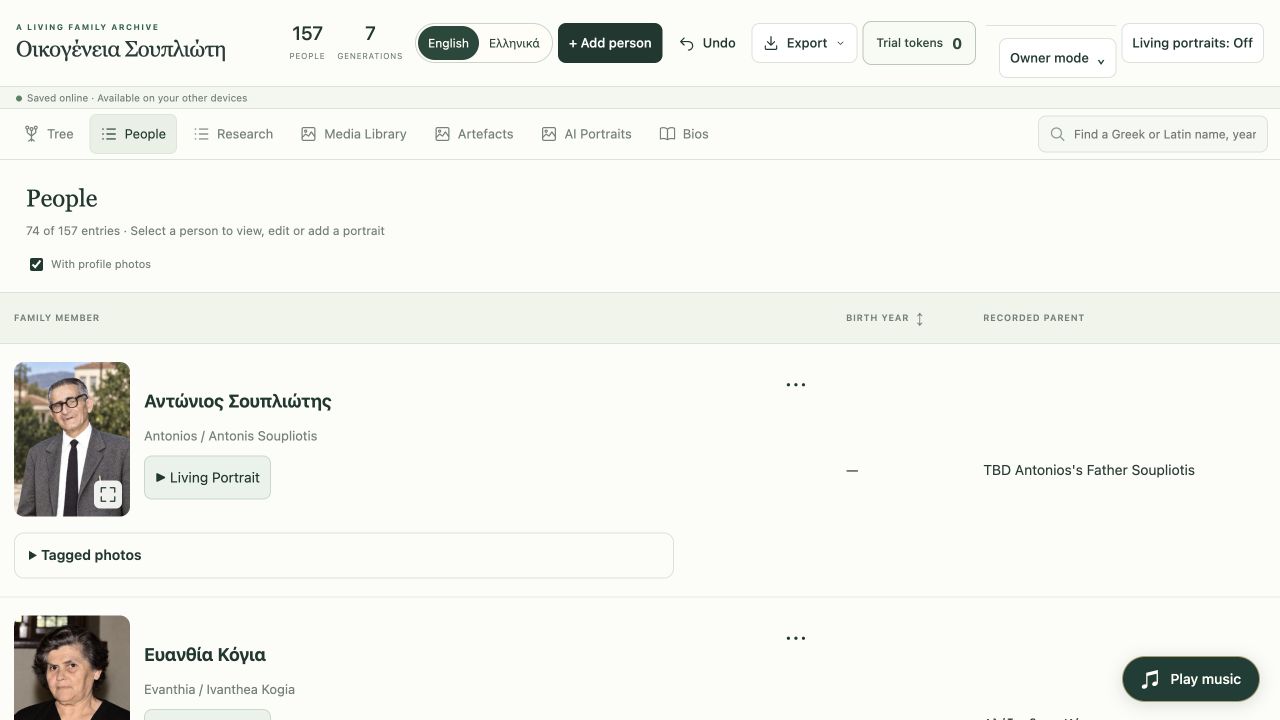
People
A family directory you can recognise.
Browse the people behind the tree, filter to profiles with photographs and search Greek or Latin names, nicknames and other recorded names.
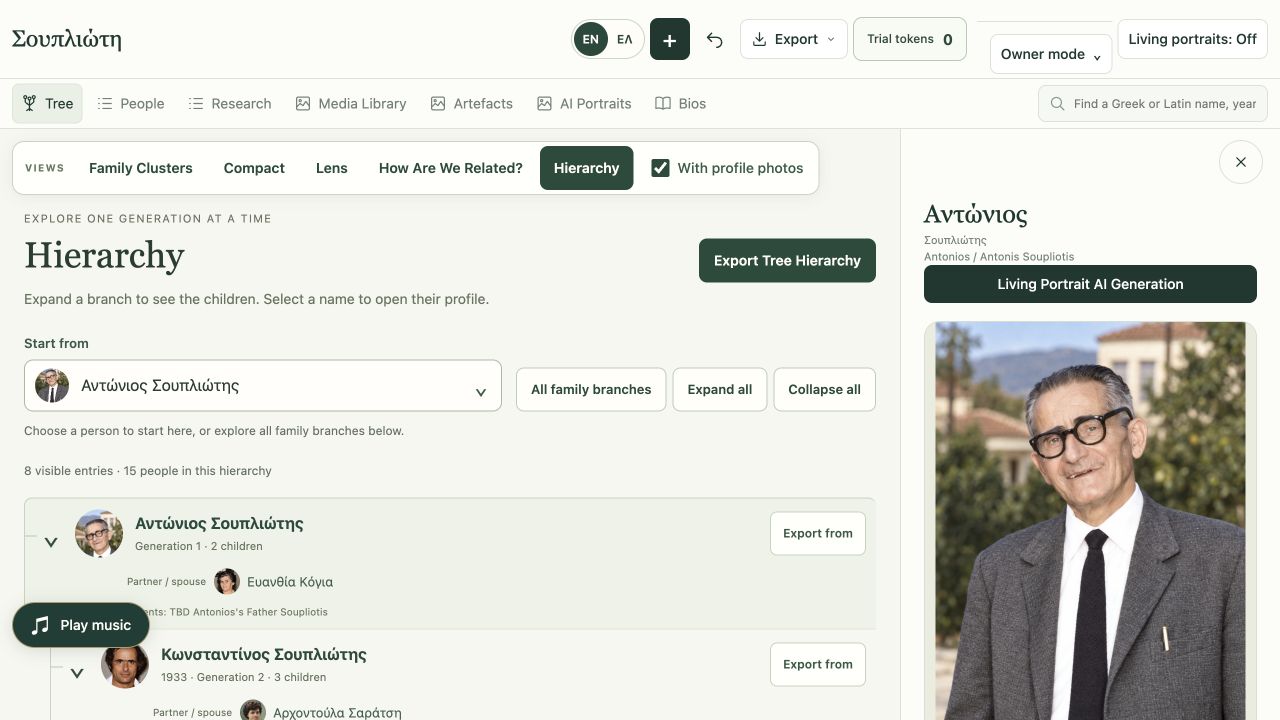
Person profiles
Make room for the life behind the face.
Keep the person’s portrait, Living Portrait video, family connections, dates, places, notes and sources together. Add relatives from the same profile as the family grows.
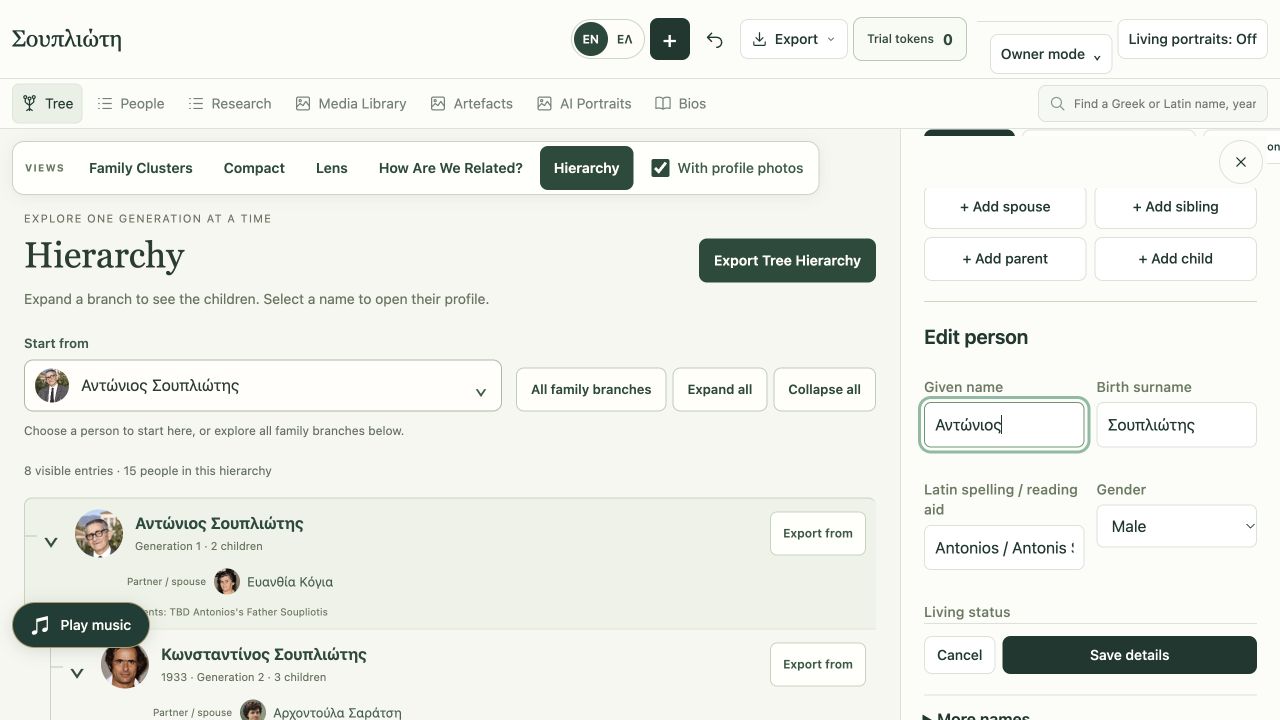
Profile details
The details that make a person particular.
Record alternate names, life facts and sources. Optional height and age-in-portrait guidance helps shape the group photographs that become the starting frames for new videos.
02 / Restore the photograph before it moves
Restore the photograph.
Prepare it for video.
Torn edges. Faded faces. Black-and-white and sepia prints. Start with the photographs your family kept, restore colour and detail with AI, and keep the originals. The restored image can become the beginning of a Living Portrait video.
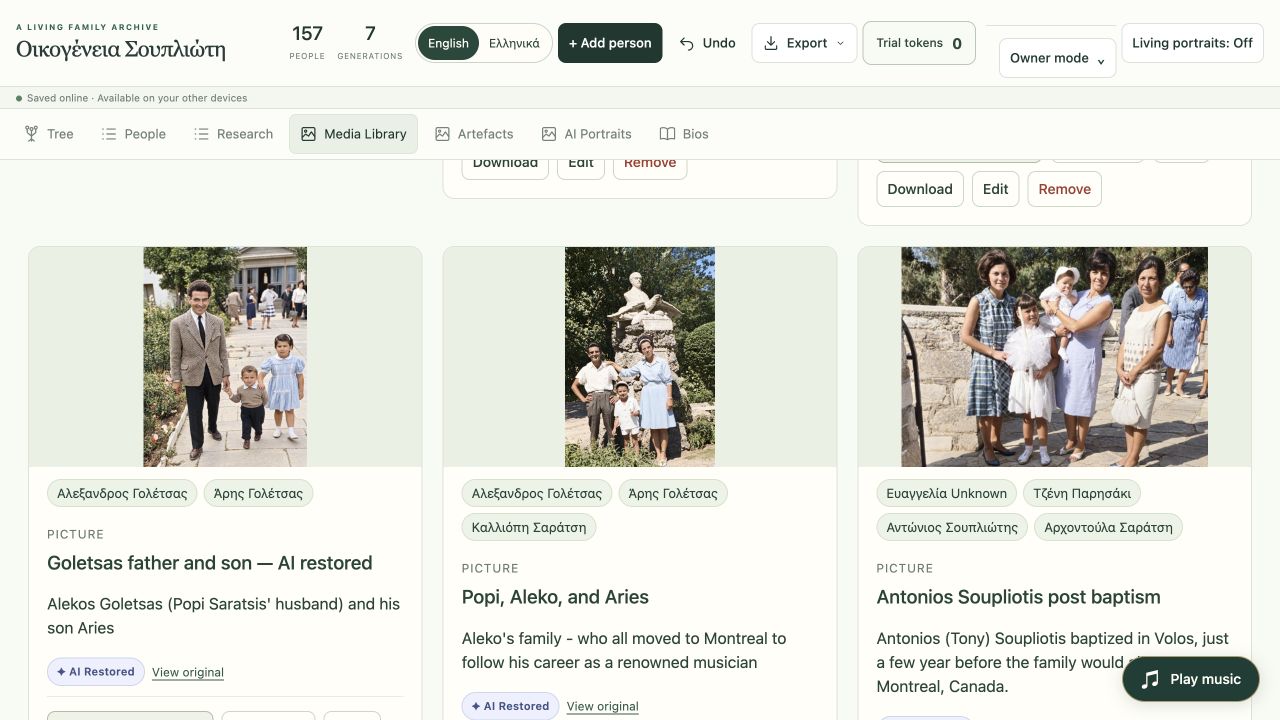
Media Library
The source photographs. The new creations.
Keep photographs, restorations and saved group photos and videos in one collection. Named thumbnails connect the people in a memory to the images you can return to for another creation.
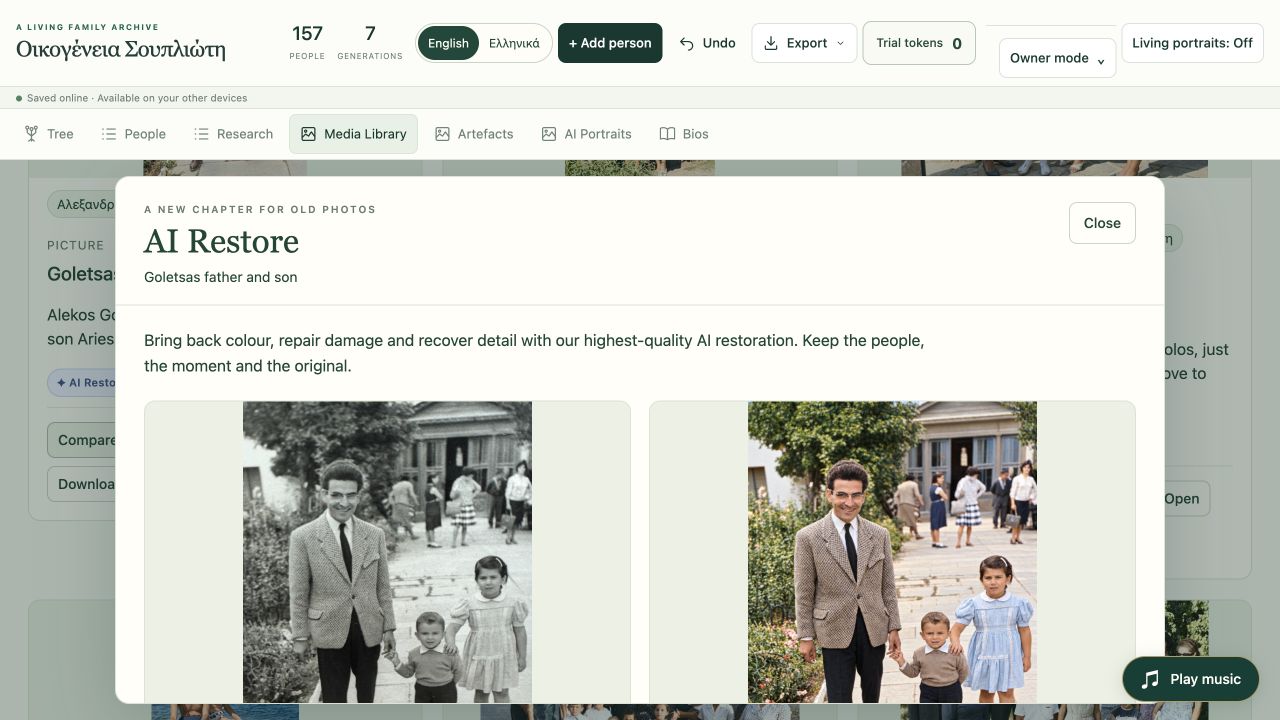
AI Restore
From a worn print to a detailed starting point.
Use AI to repair damage, recover detail and add natural colour or keep existing colours. Compare the result with the source before keeping it, then use a restored photograph to begin the portrait-to-video journey.
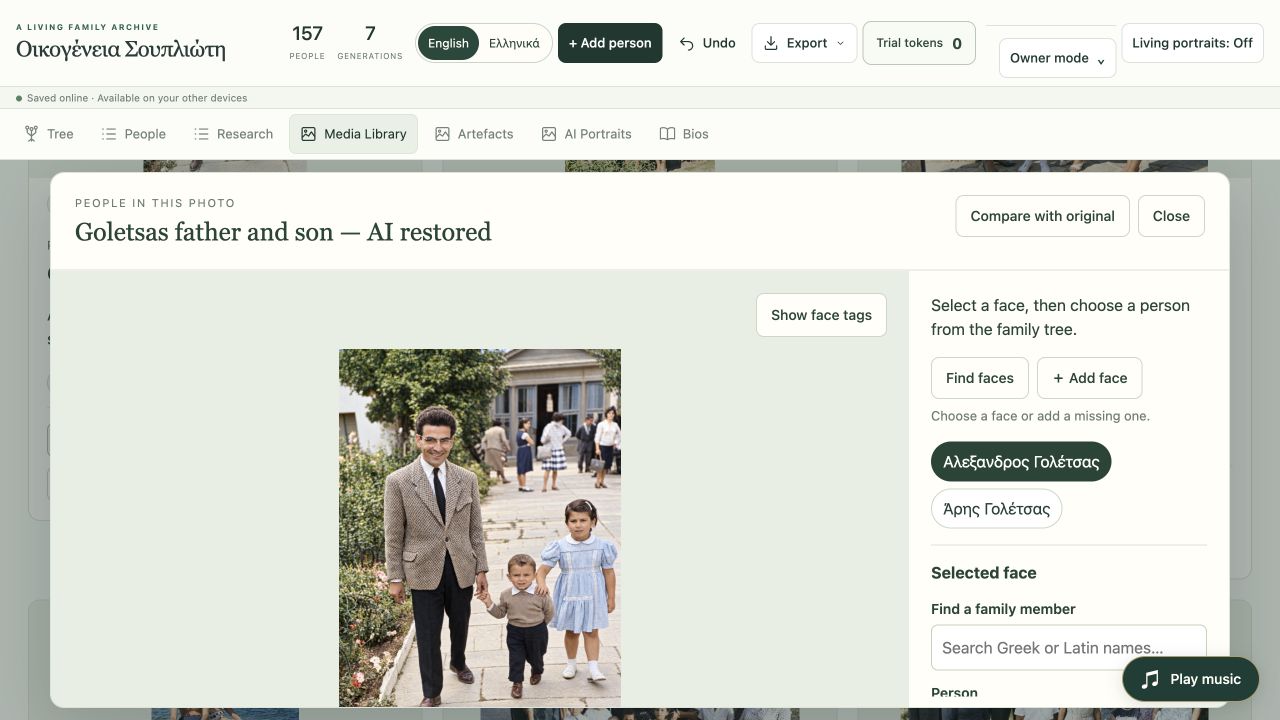
Photo viewer
Give the photograph the whole stage.
Look closely at the restored photograph before taking it further. Open it in a large, clean view, inspect the detail and download it without face labels covering the image.
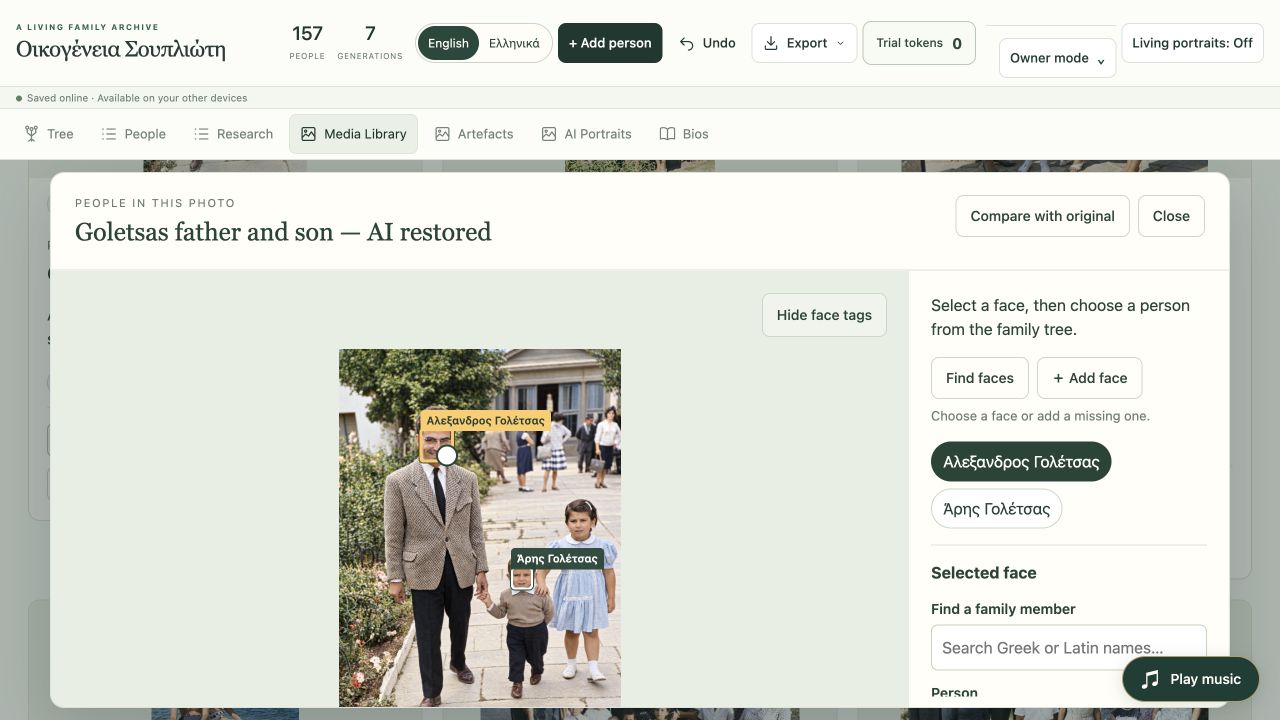
People in photographs
A face becomes a connection.
Find faces or add them yourself, then connect each one to a family member. Tagged photographs become an easy starting point for that person’s portrait and video. Hide the tags whenever you want to enjoy the picture.
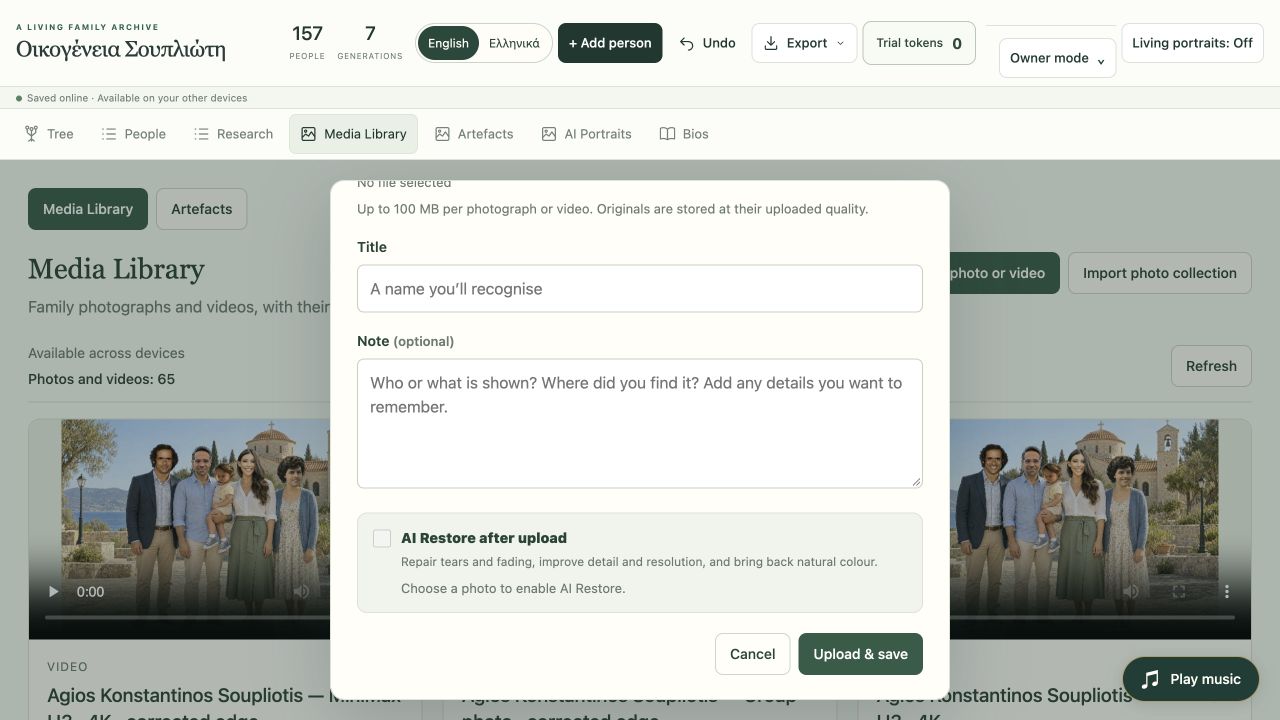
Upload and restore
A new photograph. A clear next step.
Upload a photograph, add its title and note, and choose AI Restore after upload. Bringing in more? The separate collection import flow can import and restore a batch of photographs.
03 / Create Living Portrait videos
Your AI Portrait.
Now a Living Portrait video.
First, create and approve the detailed still portrait. Then generate a new video from it: a smile, a blink, a little movement. The guided workflow assigns the AI Portrait and Living Portrait to the person and finishes with their face circle on the tree.
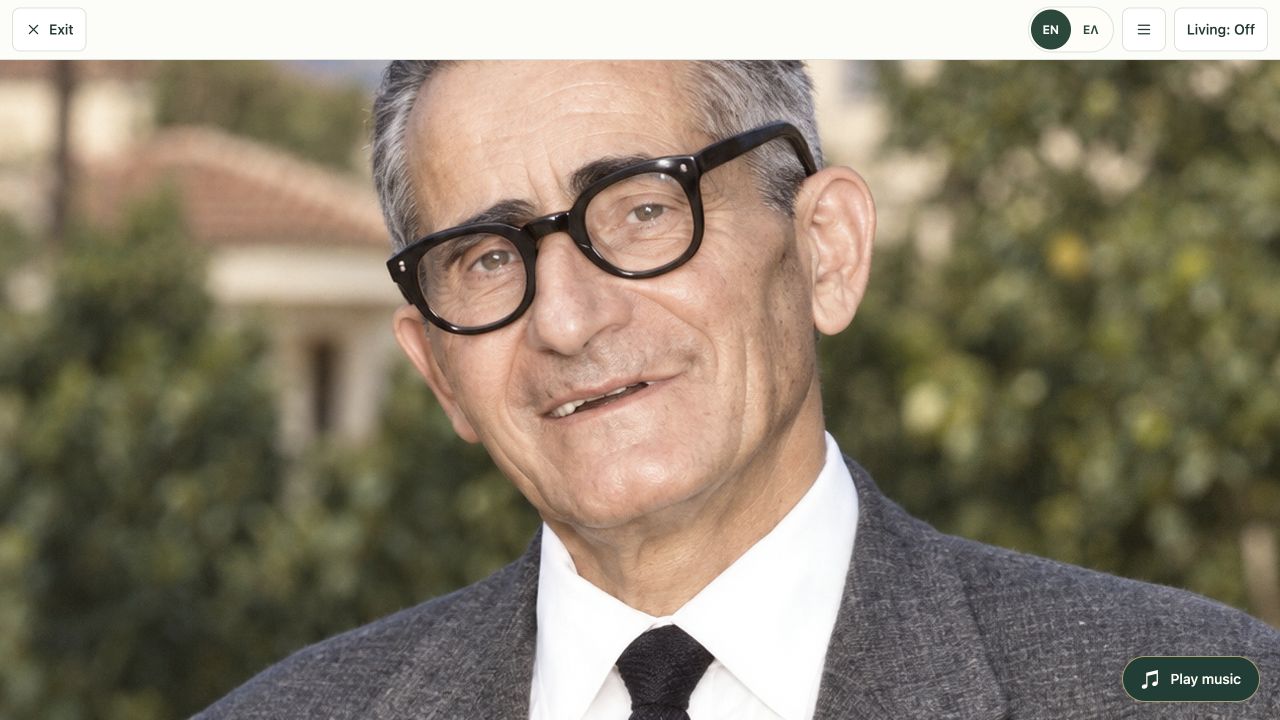
Full-screen portraits
Sit back. Let the portraits move.
Open the portrait collection full screen and turn Living Portrait video on. Add music, move between family members and spend time with their faces. Switch motion off whenever you want to study the still.
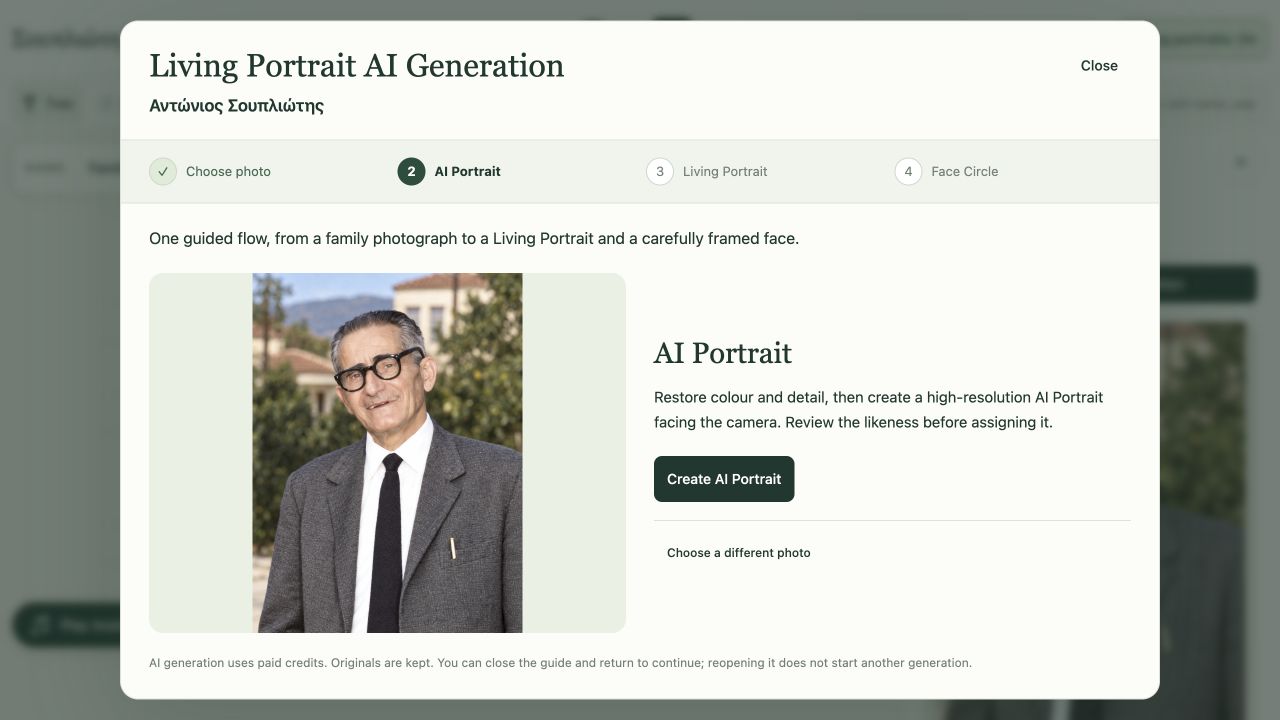
Guided creation
From photograph to video, in four steps.
Choose the photograph. Create the AI Portrait. Generate the Living Portrait video. Adjust the Face Circle. One guided flow connects the source image, finished still, video and tree card to the person.
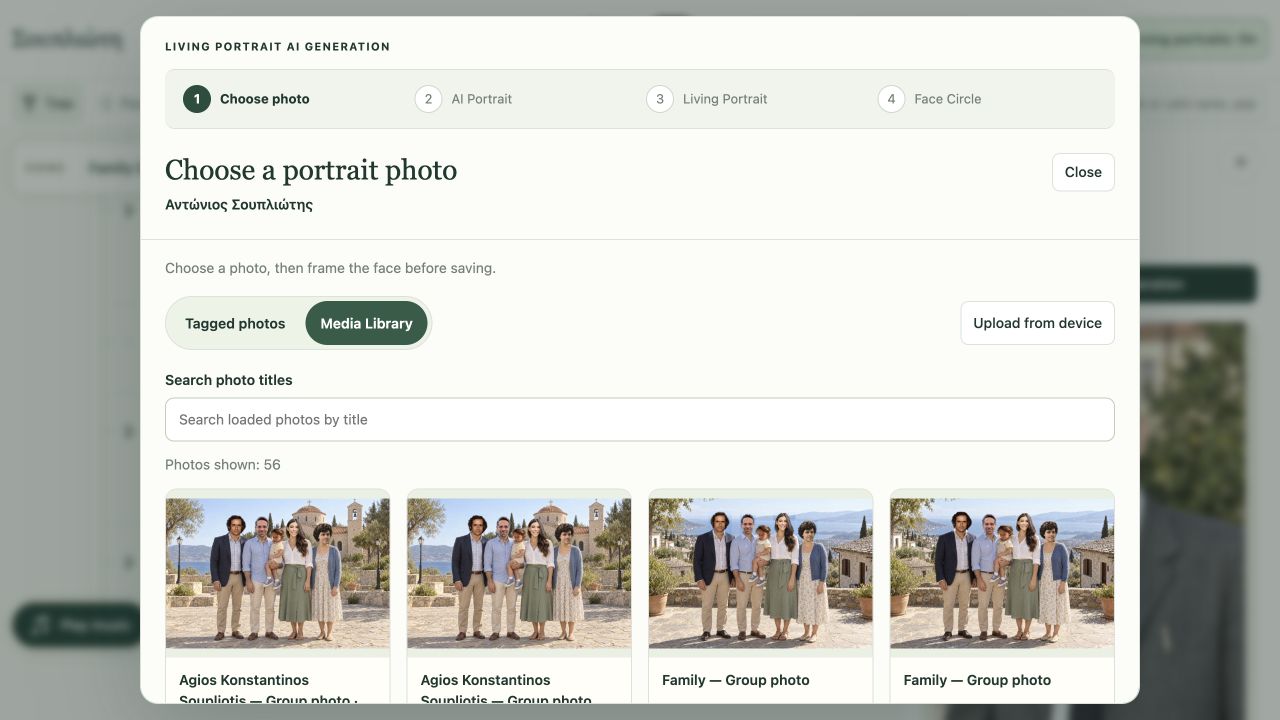
Choose a photograph
Start with a memory already in the library.
Start a new portrait and video from a tagged photograph, an image in the Media Library or a device upload. Frame the person you want without downloading and uploading the source again.
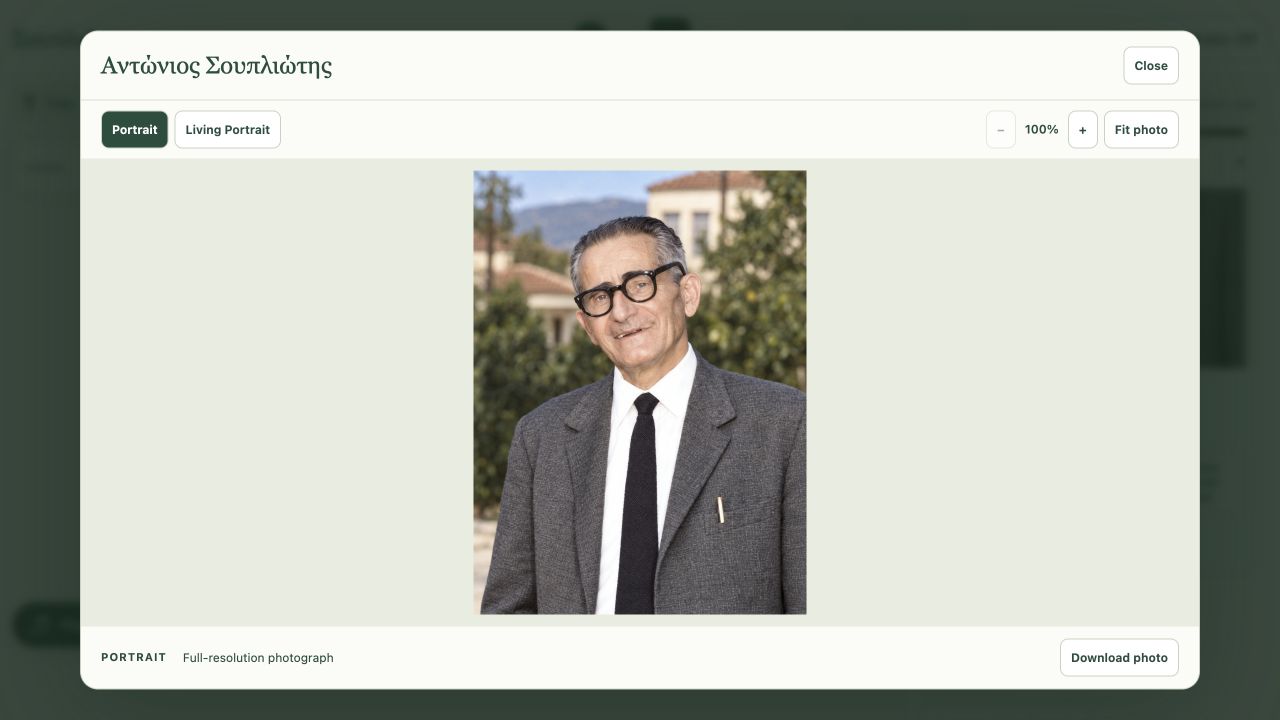
Inspect detail
There is more to see when you look closer.
Zoom into the detail, fit the image to the screen and download the full-resolution still. Switch to the Living Portrait, or compare the original photograph where one is available.
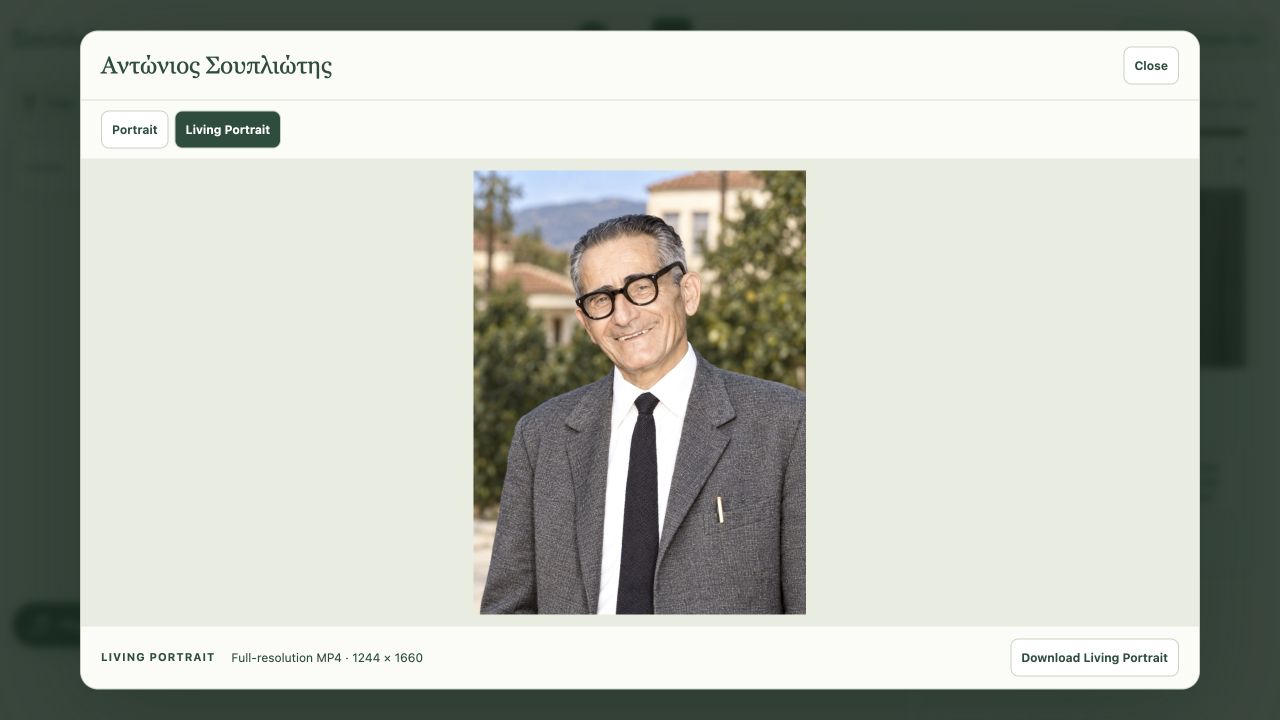
Living Portrait playback
The old photograph becomes a video you can replay.
Choose a smiling, laughing or neutral expression during generation. Play the resulting Living Portrait in the inspector and download the video. The motion is newly imagined by AI from the still photograph.
04 / Create new group videos from your portraits
Make the gathering.
Then make it move.
Your approved AI Portraits become reusable starting points for new creations. Bring relatives from separate photographs into a shared scene. Review the group photo, then animate it into a Living Group Portrait video of people smiling, laughing or waving together.
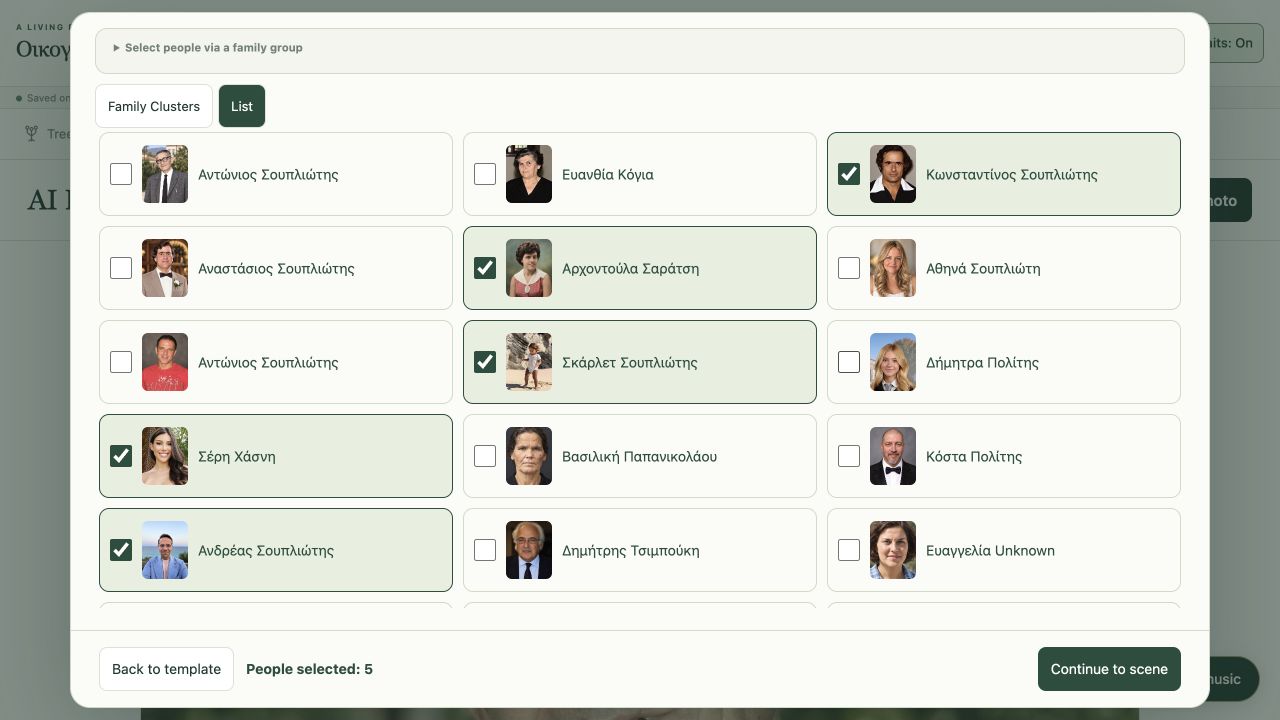
Choose the people
Your tree becomes the cast.
Choose the approved AI Portraits for your next group photograph and video. Select people on the tree or in a list, draw a selection frame, or start with an anchor person and their relatives.
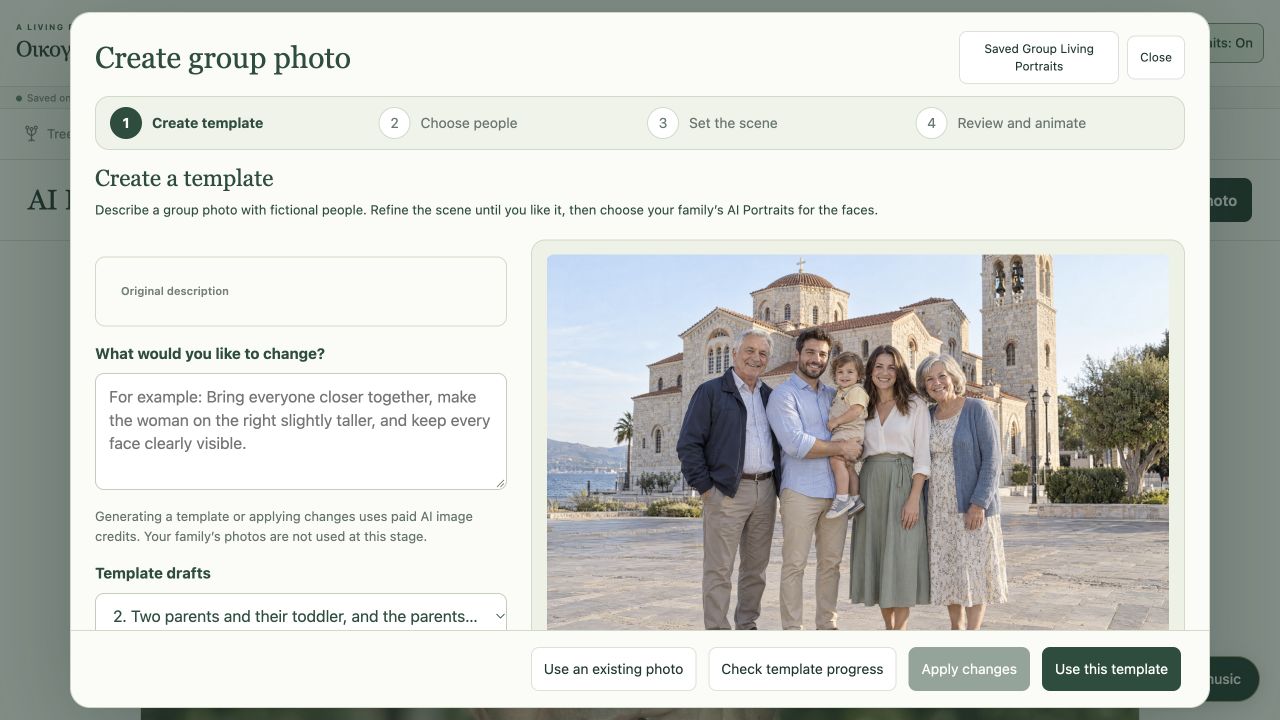
Create a template
Shape the scene that will become the video.
Describe a gathering and generate a template with fictional people. Refine the setting and arrangement with text before using your family’s portraits. You can also bring your own template photograph.
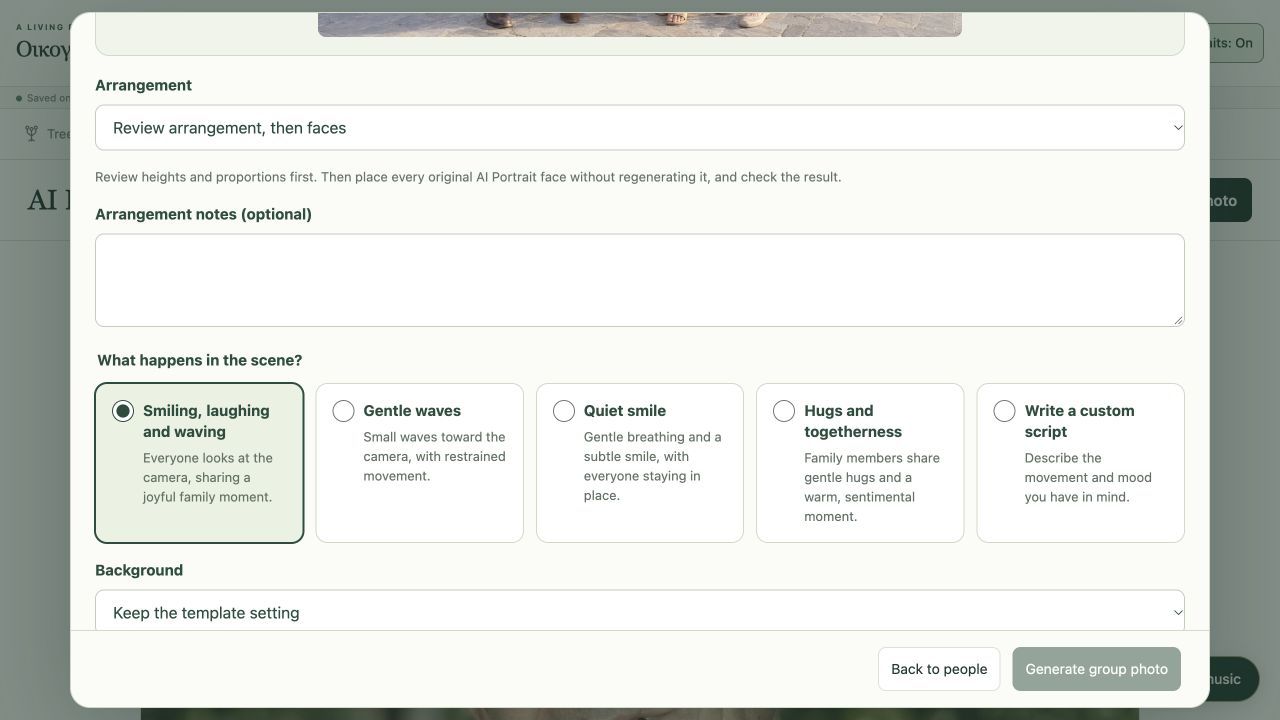
Set the scene
Choose the place. Direct the movement.
Set the background and choose how the group video should move, or write your own direction. Height and age-in-portrait guidance helps shape the photograph before it becomes the video’s starting image.
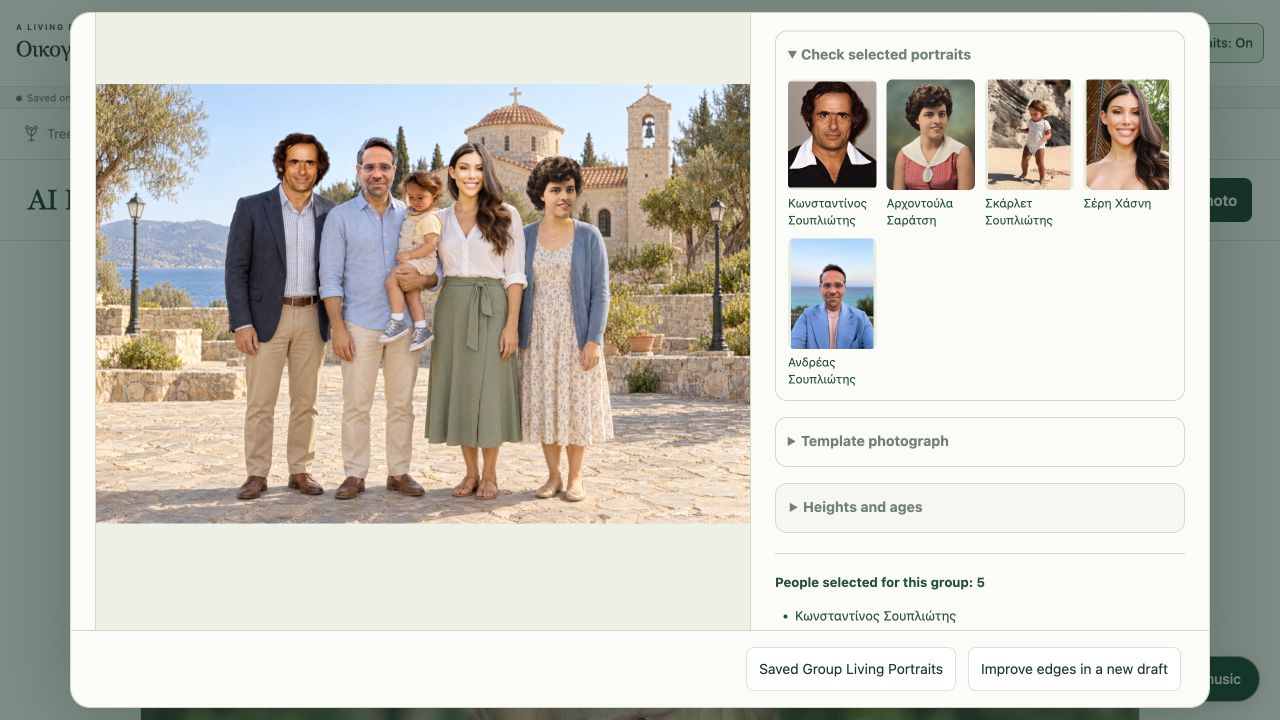
Review the result
Review the photograph. Then watch the video.
Review the arrangement and each face, then choose an animation model. When the Living Group Portrait video is ready, play it and compare it with its source portraits. Keep the result in Media Library or explain what to improve and try another version.
05 / Keep the stories behind the moving faces
Give the moving image
a story to belong to.
A portrait video invites you to look at a person. Their biography, family connections and historical records help you understand their life. Today these are curated reading experiences; scripted documentaries and cinematic family stories are the next chapter we plan to build.
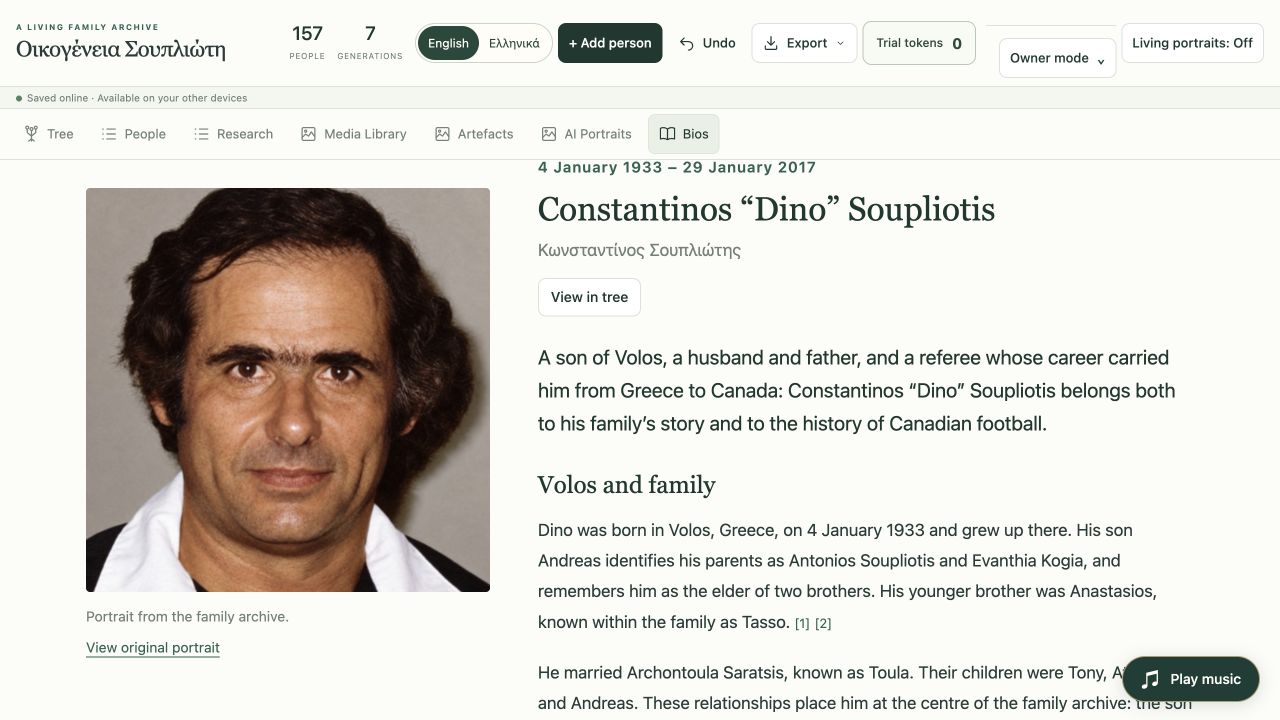
Illustrated biographies
Spend time with a life.
Go from a familiar face to a long-form biography, illustrated with portraits and supported by source references. Follow the person back into the tree to revisit their portrait and family connections.
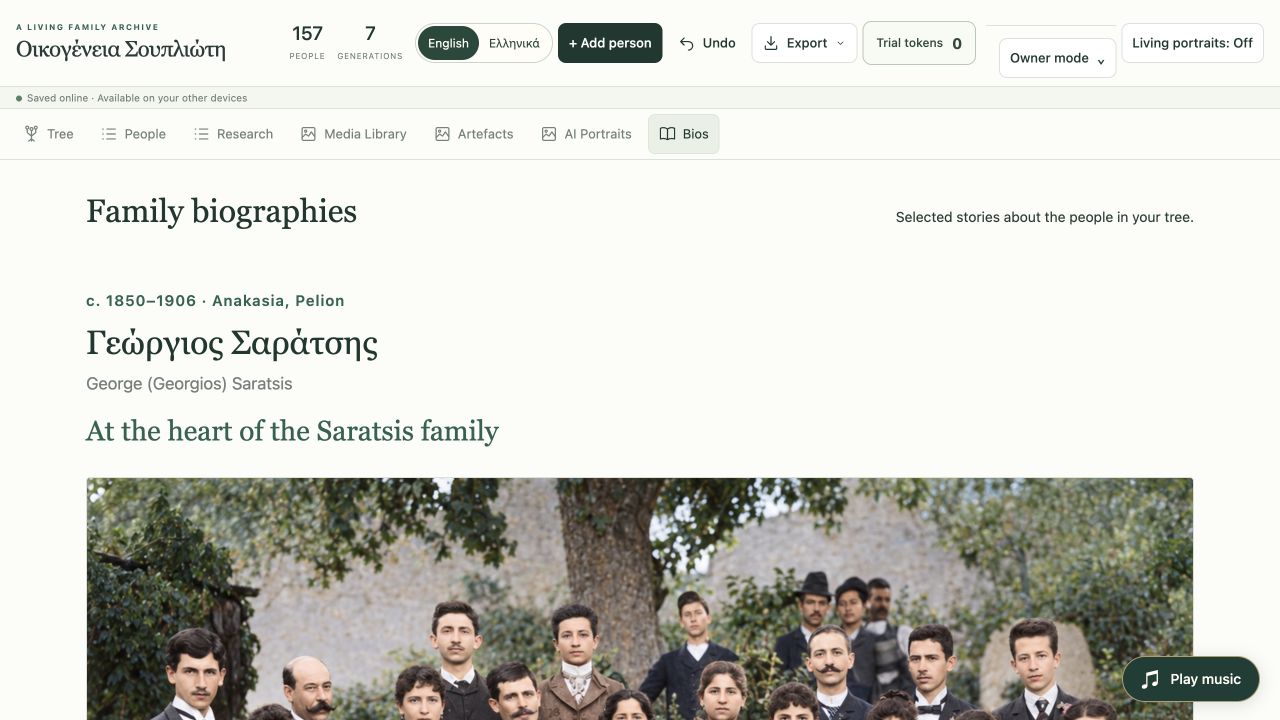
Bios
A shelf of family stories.
Browse the curated biographies gathered for the archive. They give context to the people whose portraits you watch: the lives, relationships and experiences behind the faces.
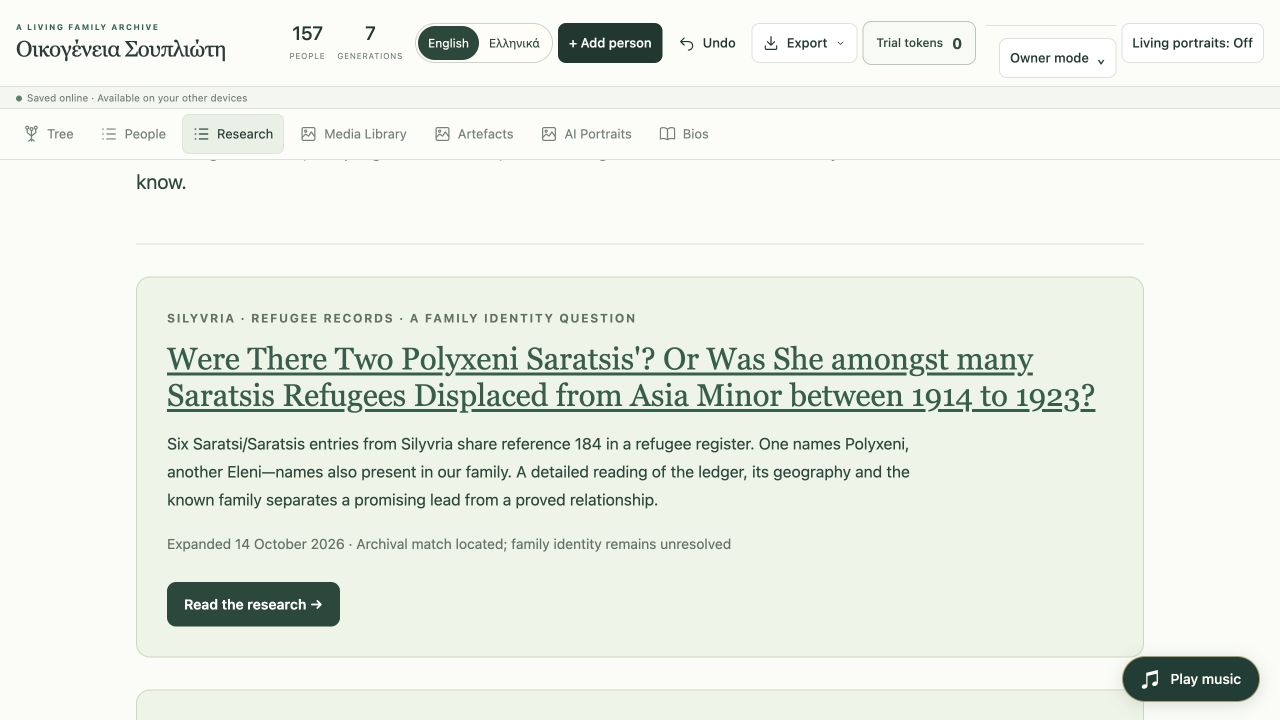
Research
Keep the questions and the evidence.
Explore the archive’s research essays, documentary discoveries and historical context. Follow the sources behind a family story.
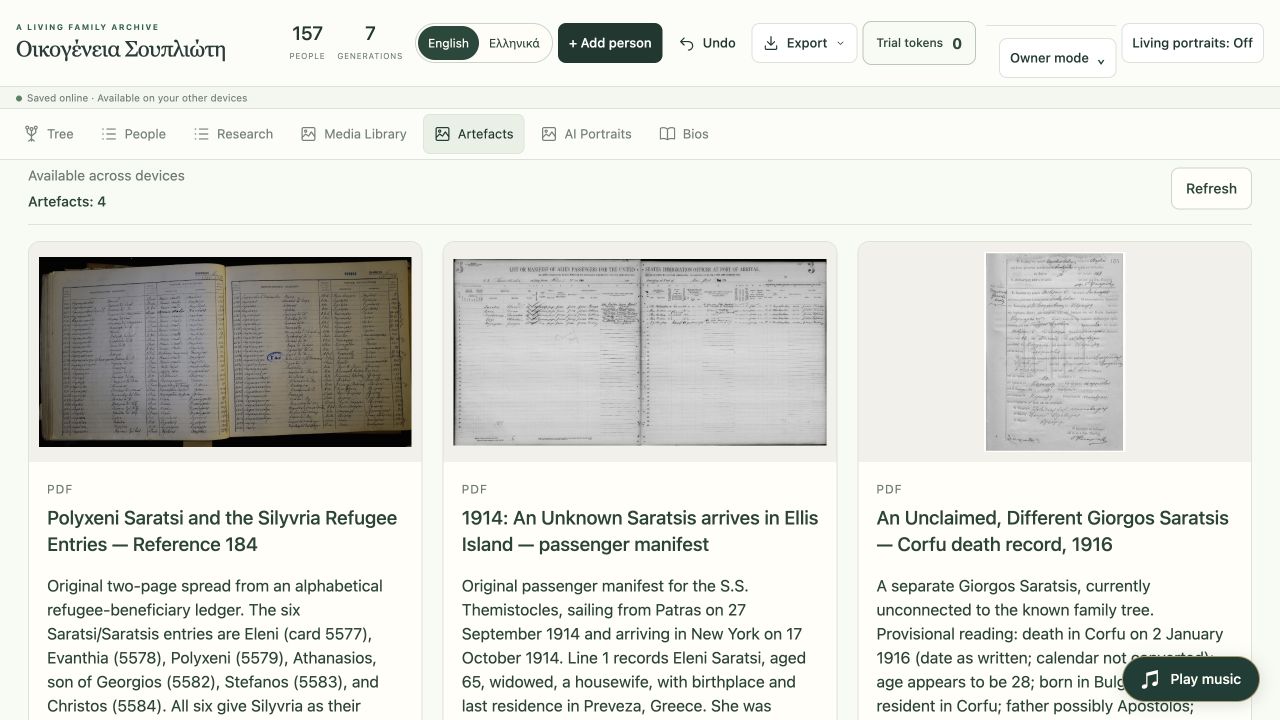
Artefacts
The documents are part of the inheritance.
Keep scanned records, PDFs and useful links with their titles and notes. Open the original document when you want to examine the evidence yourself.
06 / Watch the videos. Keep the archive.
A family archive
you can sit and watch.
Play the family’s Living Portrait and group videos in the web app, on a large screen or a phone. Download the creations you want to keep, back up the tree and share the archive with authorised relatives.
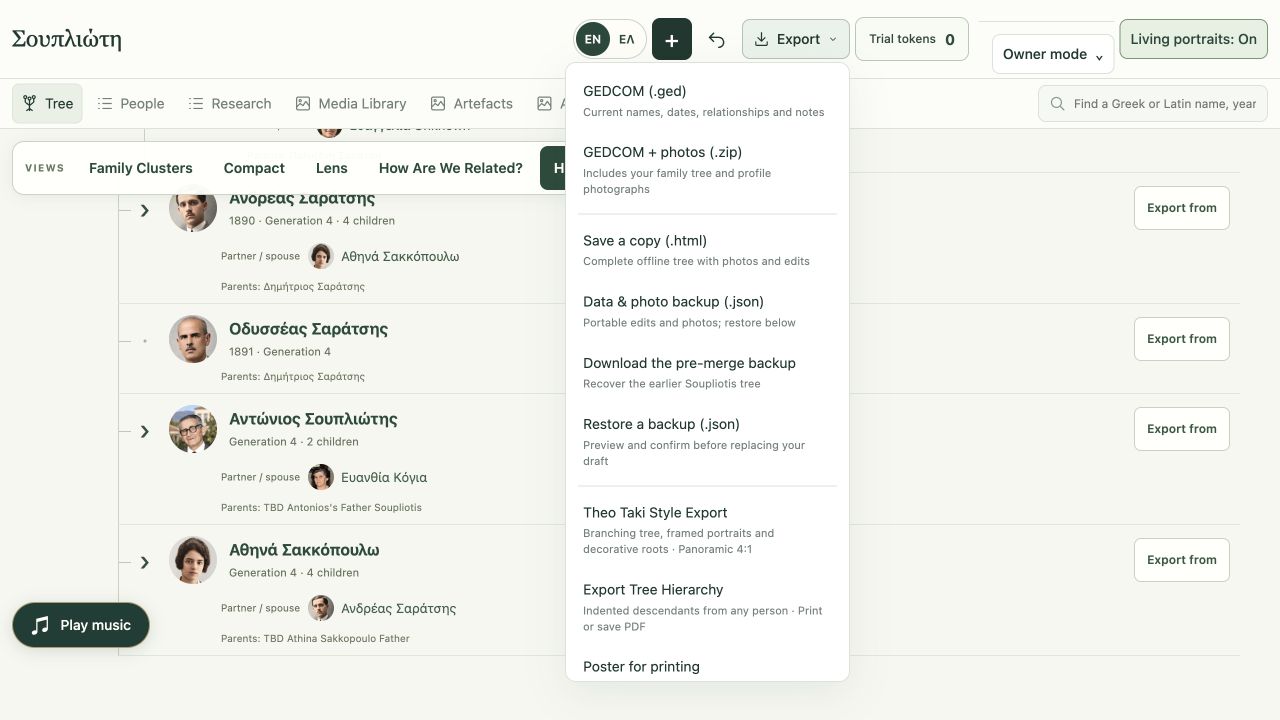
Export and backup
Take the work with you.
Export GEDCOM, include photographs in a ZIP, keep a JSON backup or save an offline HTML copy. Create tree images, printable posters and hierarchy PDFs.
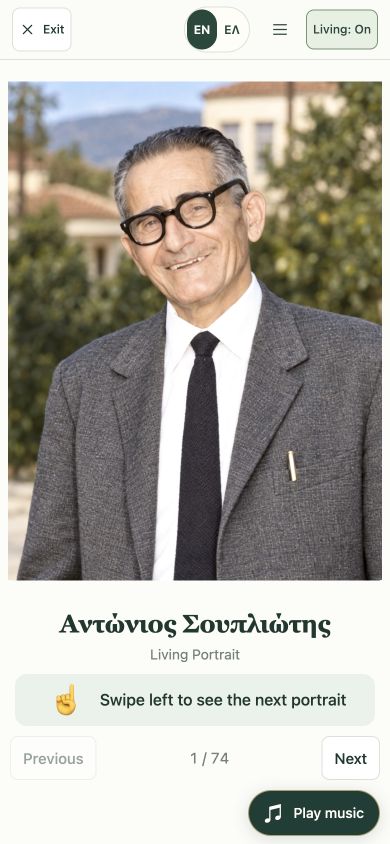
On your phone
The family travels with you.
Open the web app on your phone to explore the tree, view detailed photographs and play saved family videos. Touch-friendly controls and Greek or English navigation keep the experience close at hand.
Built today. Still growing.
Portrait videos today.
Family films next.
Restoration, Living Portrait videos and new group-photo videos are part of the current private web app. AI creates interpretations of colour, detail and motion. Review the results against the source portraits; these new videos are not historical film recordings.
Scripted documentaries, imagined conversations, automated film composition and native viewing apps are planned, alongside independent family signup and real-money token purchases. The Soupliotis archive currently requires existing access.
See where we’re goingWatch the video transformations
From a photograph in a drawer
to a family video you can watch.
See the original photographs, their detailed restorations and the new Living Portrait and group videos made from them.
Watch the videos